You can use the radiosphere Studio Editor to display article teasers on your website and app. The teasers are automatically linked to the corresponding articles.
Select this component by clicking on the Add button in the top bar next to the Select button. Select the area marked in blue where you want to place the article teaser. Once you have selected the appropriate area, a new window will open with all available components. Search for the Article component in the search bar at the top and click Add.
In the following you can search for the appropriate article and select it directly in the displayed listing. When you have found the right article, click Select to confirm your selection.
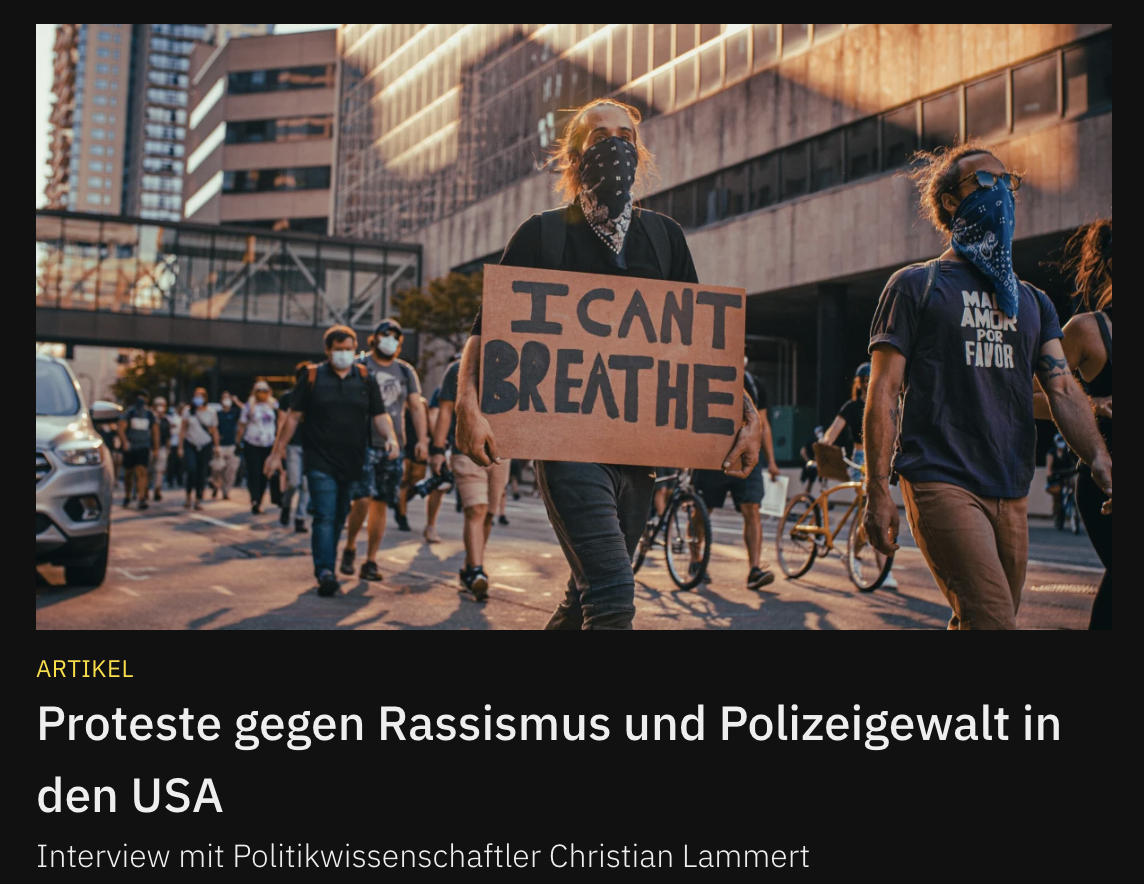
Now the selected item will appear in the preview.
On the right side of the editor you will also find additional settings to customize the layout of the article teaser.
More ways to edit this component can be found here.
Besides Article teasers, you can place other content as teasers on your website and app: Podcasts and Events. Click here to learn how to display your episodes of your podcast as teasers. Click here to learn how to teaser events you promote on your pages.